[00:00:35.480] - Gordon
Hello.
[00:00:35.820] - Taylor
Hello.
[00:00:36.250] - Gordon
My name's Gordon from Drayson Design.
[00:00:38.260] - Taylor
And I'm Taylor from The Creative Tinker.
[00:00:40.350] - Gordon
And welcome to "This Week With Taylor and Gordon," a weekly podcast and vidcast, where we talk about things that have affected our businesses over the last seven days. And oh, my goodness, it's been such a busy week.
[00:00:52.210] - Taylor
It has.
[00:00:53.180] - Gordon
So for those who don't already know, I have been doing pantomime over the last week and we've got three performances to go. So we've got tonight and then two tomorrow. And it's just an amateur production that I do. But I am the Dame, which means that there's an awful lot to do in the show. And Taylor has been up there as well.
[00:01:15.790] - Taylor
I have. I've been working backstage as one of the crew, moving all the scenery, getting all the props and things like that.
[00:01:22.950] - Gordon
So it's been an incredibly busy week and not a lot of work has been done or new work, I should say. I've been working on things, but not any new work. But anyway, let's get straight into our topics. Do you want to go first?
[00:01:38.130] - Taylor
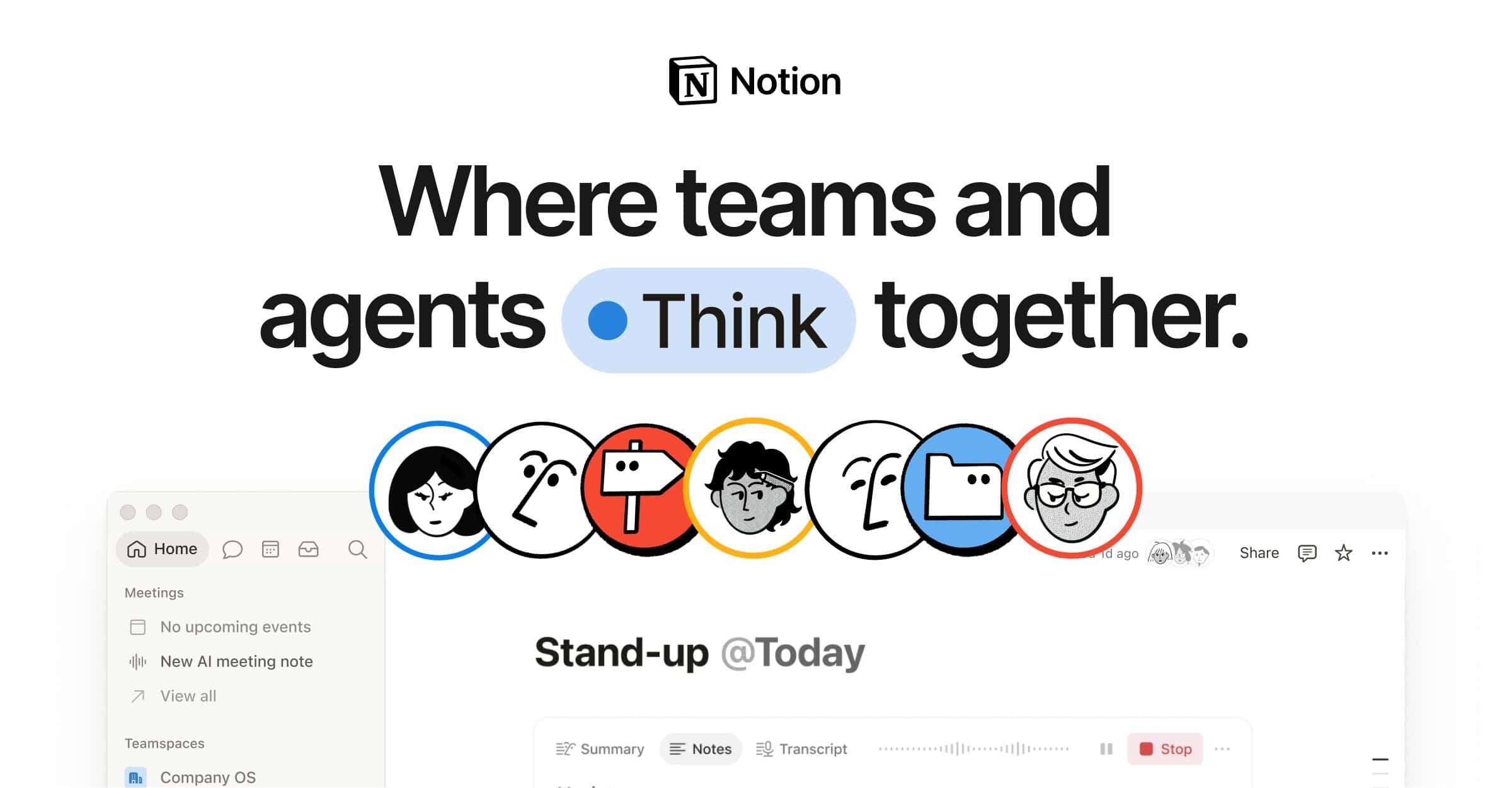
Yeah. So over the past week and a bit, I have been testing out 'Notion.' Now, Notion is similar to AirTable. It's a way for people to collect notes. It's like a word document, but you can have relational databases. So you can link, for example, a 'tasks' database, which has all your to-dos in it, with a 'notes' database. Now, the advantage for this is you can have multiple notes attached to one task. So if you're doing a project, for example, that you can attach all your tasks for a project to, you can also link the notes to them so that if you're doing research for a specific task, you can link all of those notes to one task without having to have them in one long document, essentially. There's a lot more to it. You can do automations, you can write formulas to calculate things. So for me, I've been using something called 'the Ultimate Brain,' which is a template and a system based on the PARA method by Thomas Frank, who is the creator of the Ultimate Brain. And he's created this template based on the PARA method by, I'm not sure what the name of the guy is, but someone else. And it's really good because you can create tasks, notes, projects, You have things like goals, and they all connect with each other, communicate with each other, and you can easily access different views depending on what you're trying to find. You can search the entire library. And it's been really, really good. I've been enjoying it, being able to have a place to put all of my notes, put all of my ideas. And there's a nice section called 'the quick capture.' So for those times where you have an idea and you just want to get it down, you don't want to worry about organising it, you don't want to worry about where it is, things like that. There's a place called a quick capture. And on your phone, you can create a shortcut to it. And you essentially just can use it as a brain dump. And then it goes into this place called an inbox, which is where everything that hasn't been organised, so hasn't been assigned to a project, hasn't been assigned to an area, for example, go. And then when you've got some time, you can actually then go and organise and say, "okay, I want this to be in this section," etc, etc. Which is really nice because for me, I always have lots of ideas and thoughts at random times where I'm not on my computer, I don't have the time to organise the note or the idea. So for me, it's a really nice way to be able to quickly get out ideas and visit them later on once I do have some time to sit down and look at them. And yeah, that's what I've been working on, looking at and trying to understand how Notion works. I have been creating a tennis tracker, and just trying to get to grips with how the databases work, how relations work and all of this stuff. And I'm getting there. From looking at the way the Ultimate Brain template has been set up and all the different connexions and formulas, I've been able to wrap my head around it and follow something similar for my own templates that I've been creating. And yeah, it's very, very powerful. If you haven't tried it, I recommend checking it out.
[00:05:01.840] - Gordon
So two questions. One is, why did you decide to try Notion? What was it that you were looking to do that you couldn't already do? And the second question, is this a paid application? Is it a one-off? Is it a subscription?
[00:05:18.550] - Taylor
So the reason for trying it is up until this point, I haven't really been able to find something that works for the way I work. And the nice thing about Notion is it can be very overwhelming because the possibilities are very much endless. However, with that, it allows you to customise and tailor the way that you work a bit more than some of these default project management tools. And the other thing I quite like is the fact that I can have notes attached to different areas. So one thing that I've always struggled with is, for example, having random Google Docs or random Word documents all over the place and not having them organised anywhere. Whereas by using something like Notion, you can again, attach all your tasks for a project, for a website, but also all of the content can go into a note, different notes for different parts and sections. And it makes it really easy to keep things organised and everything you have information about this project is in one area. And the second part is that I can have both personal and and business on it. Now, it's sometimes not the best to have personal and business attached and in the same place. However, because of the type of work I do where I'm self employed, the lines get blurred quite a lot with What's business? What's work? And having a place that I can see all of my tasks and to-dos, joined together in one long to-do list is very, very good because I can see at a very, very good glance what what work I have that needs doing. So whether I need to empty the dishwasher or if I have errands to run or if I have an update to a website that needs to be done. But I also, because of the way that the system is set up, I can also drill down and say, "actually only show me tasks for this project, only show me tasks in this area." So they allow you to group tasks and notes and things like that into areas. So you can have a business area. So everything that's to do with your business is put into that area. And then if you have all your personal stuff, again, you have another area for that. And that makes sure that you're able to keep things separate while still being able to choose how you want to digest your information and your content. And so for me, I think that's a really, really important part is being able to separate them so that I can, if I'm only focused on work, focus on the tasks that are business related, but then also be able to not have separate to-do lists essentially for both business and personal because it becomes hard to track when you're using two different tools, for example, or they're in completely separate places. It's hard to have an overview of your workload, etc.
[00:08:14.740] - Gordon
Very good. And is it a subscription? Is it a one off fee?
[00:08:19.790] - Taylor
They do have... So it is a subscription. Well, they have a subscription and that unlocks more access to things, things like automations, things like AI and things like that. But it's not required. The base free tier, I guess, is very much usable. You could get very, very far without having to pay at all, really. I think there's a lot of people that don't pay at all.
[00:08:44.680] - Gordon
Very good. I use something called 'Evernote' to keep all my notes and ideas and documents together in the same place. But it's nothing like Notion. I mean, it's like a small part of Notion, isn't it?
[00:09:01.810] - Taylor
Yeah. So this is goes back to the point that you have a structure and a system already in place that Evernote requires you to do. You have to create notes, you have to just put them into folders, essentially, whereas Notion allows you to do whatever you want. You can categorise them, group them, organise them, display them in different views, whether it's like a Kanban view, a list view, a table, a calendar view, a gallery view. You have all of these tools at your disposal. But the downside to that is it can become quite overwhelming on where to start. And also working around how Notion works and the database connections and things like that, because from my point, I'm very much used to WordPress, how WordPress handles all of their database architectures and things like that. And then when you try and put that into a different system that uses databases, but in a slightly different way, more of like a no code system for people that aren't technical, it can be quite limiting. But once you understand, "okay, this is how things work," you get to grips with it. If you can use a built in, or not a built-in, but some sort of template someone else has used to begin with, it does help a lot because they set up a good template to build off, a good grounding, essentially. So when I built my new template for tennis, I mimicked the architecture and the way that they had set up things to my advantage, essentially, which was quite nice and made it easier to understand how things were connected and how to set up things.
[00:10:49.270] - Gordon
So you've got a good understanding of it now?
[00:10:51.110] - Taylor
Yeah, I'm getting there. I think there's still lots to learn, but I'm definitely understanding a lot more. It's definitely helping me because I have a 'today list' which shows me all of the work I need to do today that have been assigned based on the due date. But then I can also see tasks based on the project. And if I have tasks that are overdue, I can see that. And it even goes a step further where if there's a task that's been overdue for a certain period of time, it goes into a shelf mode where it basically says, "okay, well, this task obviously isn't actually that important. Do you still need it?" And it just archives it for you and says, "You probably don't need this anymore because it's obviously not as important," really.
[00:11:33.050] - Gordon
It's there when you need it. Very good. Interesting. We'll put a link to Notion in the show notes so you can go and check it out yourself. So I would like to talk today about resources, in particular, hard drive resources. Now, for those of you who've been watching this or listening to this podcast for a little while, you'll know that last year I had lots of hard drive issues. And to combat that, I put lots of different processes in place. So I changed my NAS to one that's being actively supported and is running on a system that is unlikely to go out of date and stop being updated. But it meant that the system I had previously with all the hard drives in it, I was struggling to get all the data off it. So I've now got a backup system as well. But it does mean that I've got a huge number of drives that are bare drives, that can be used. And there's about eight of them, ranging from like half a terabyte up to, I think the largest I've got is a five terabyte. And I've got to store these somewhere and keep them safe because they're still usable. They've still got lots of life in them, but some of them still have data on them, and I have to figure out if and how I'm going to get the data off it, because my previous attempts have not been successful. And there's a lot of data on there I don't have backups of. And so if I give up, I've just lost all that data. Those drives are being used effectively because they've already got data on them. But as I mentioned before, because I'm doing pantomime, part of the thing that I do is that I create a DVD/video recording of the show for archival purposes. And this requires me, because of the way I like to do things, this requires me to record it with two cameras. So there's lots of data that I need, lots of hard drive space. And we're talking many, many gigabytes, even over a terabyte and a half, that sort of amount of space. We're filming it on two nights; there's two cameras. One of the cameras is a DSLR, so it's going straight onto a hard drive. And the other camera is tape-based, so I have to capture that after the fact, and that gets captured in real-time. So there's a lot of time required for that as well. And because we're doing two cameras, it means we've got two recordings of act one, two recordings of act two, and then the same for the second night. So there's quite a lot of data there. And I need to make sure that it's all in good quality. I need to make sure that the footage has come through well, you know it's not over exposed, it's not underexposed, it's usable. And once I've captured it all, I then have to edit it. So there's a huge amount of hard drive space needed. And because we're doing This Week With and we're doing FACE: The Podcast, I know what sort of requirements are needed. And having hard drive space that is fast, fast enough to edit from, is very different from having archival hard drive. So my NAS, for example, I can't edit directly from there. It's just not quick enough to bring the video feeds in to allow me to view it and edit it live. So it has to be done either on the internal hard drive or on a very fast SSD that's plugged into the computer. And that is currently the way I'm doing it. But then once it's done, what do I do? Do I archive the footage for the future in case I ever need it again? Why do I need it? When would I need it? How much is it going to cost me in hard drive space to store that footage? And more importantly, how do I make sure I've got enough hard drive space to edit it without having to take other projects that are currently being done and move them elsewhere? So these are the things that I'm having to think about at the moment. I'm currently using an X9 SSD, which is a 2 terabyte drive. It already has some footage on it, but it's got a large amount of space, and I'm hoping that's going to be large enough for me to edit this video. Doing it on the internal drive used to be what I did, but that is back in the day when I was filming it in SD, which is a lot lower quality to the HD that I'm now recording it in. And HD, even though it sounds like it's just doubling up, is actually four times the size of an SD; so I need four times the space. So editing it on my internal drive just isn't possible anymore. So this is the reason I'm bringing it up. The thinking about how you manage all this data is really important because you don't want to just go, "Oh, I'll just grab a drive and put it on that." You need to have a system in place. Otherwise, you're going to lose footage. Or you're going to not be able to find it when you need it. And it's possible that you might delete it because you think it's not necessary anymore, you don't know what it is, and you might delete it by accident. So by having a system in place, you can make sure that the files that you need and use to do your projects are going to be in the right place at the right time. Now, it could be that you're going to archive off onto something like Dropbox, which is what you use.
[00:17:46.100] - Taylor
Yeah, so I use Dropbox mainly just for storing client work, photos, images, documents, design files, things like that. I mainly use that for basically archiving, but also having a place I can always access that doesn't sit on my computer. And I find that works the best for me, purely for the fact that I don't have to worry too much about backing up my computer itself, because all of the important stuff are on Dropbox, and they're going to have their own internal backups to procedures and processes in place. So they've got redundancy and things like that. Anything that's important to me goes on there; I then just have to back up my computer for applications and stuff like that and then the odd downloads folder that's got things in there, which is for me the nicest solution. I don't want to have to manage or worry about where I've got things. When I'm travelling all the time, I don't want to have to carry around big hard drives. I have a two terabyte hard drive I use for transferring files between computers, whether that's my computer and somebody else's, or whether it's for for editing video or things like that. It's fast enough that I can put all the files on there. Don't have to worry about it taking up my computer storage, and when I need it, I just edit it from there. I know a lot of people like YouTubers and stuff do that. They edit on an external SSD for that same reason; it means they can run multiple projects for videos off of one hard drive once they finish.
[00:19:25.170] - Gordon
Or off multiple hard drives. So they can have different projects on different SSDs and just plug in the one that they want to use. And the other advantage with that is that you can actually share or swap it with someone. So if you're offloading editing to someone else, you just give them the SSD and all the files they need on there.
[00:19:43.210] - Taylor
Yeah.
[00:19:43.530] - Gordon
Which is really good. I use my NAS as my archive system where I've got files that I need, but I don't need on my hard drive. And it's not necessarily files I need to work with on a regular basis. So I'll put my Photoshop files and image files and text files and documents and things on there so that I can get them off very quickly and easily. And that's actually a cheaper way of doing it because the hard drives cost less than an SSD just because of the technology. And you can get a larger hard drive than you can an SSD for a lot less money. So for long term storage, that's a really good solution. And I don't necessarily need to work from that drive to get all the files. Having said that, I have been putting some of my video files onto my NAS and playing them. I'm storing them in H.265, which is a very, very good codec and compresses files a lot, which means that the file size is a lot smaller and the transfer is then obviously going to be a lot quicker. And I am able to play it in real-time over the network in the house, which is really interesting because originally, I didn't think that was going to work. I thought I was going to have to transfer the file I wanted to watch onto the device and then watch it. But that works really, really well. So technology is getting a lot faster. The transfer speeds, which is what's important here, and the speed of the drives are improving all the time.
[00:21:28.610] - Taylor
If you're interested in seeing a backup and a data storage ultimate solution, there is a great video on YouTube by 'The Slowmo Guys' who basically they create slowmo videos and the size of the video files are just absolutely humongous.
[00:21:51.000] - Gordon
It's something like a thousand frames a second or something stupid like that.
[00:21:54.400] - Taylor
Yeah, so like a three second video is in the terabytes purely because of the number of frames that they're recording at in the high speed cameras. And they have a... Well, they originally had just tonnes and tonnes of stacks of hard drives, SSDs full of all of their video files. And they have a petabyte storage system, which is, I believe, a thousand terabytes?
[00:22:24.850] - Gordon
I believe so. It's possibly a thousand and twenty four, but yeah, a thousand terabyte is all in.
[00:22:31.080] - Taylor
Which is just insane for the amount of... They obviously had sponsors to help fund them.
[00:22:37.400] - Gordon
Oh that's going to be a huge cost.
[00:22:38.640] - Taylor
But for them, they wanted to be able to, at any point, go into the system, grab a bit of footage that they can use in later videos. And they have done. That is why they store all of this raw footage is because they want to be able to access. Another person who does something similar is Casey Neistat. He stores all the raw footage of every single video he made, including all of his vlogs that he made for the three, four years that he did it, five years. And again, he regularly goes into the archives to find old footage for his new videos, which is very, very awesome to do. And then you have people on the complete opposite end of the scale where they will record a video, upload it to YouTube, and they may store a copy of the original video they uploaded to YouTube, and then they delete all the raw footage. For me, that's what I personally like to do. I'm not a big fan of storing the raw footage.
[00:23:39.350] - Gordon
It depends if you need it, doesn't it? I mean, if you're doing, like Casey Neistat or The Slowmo Guys, you're referring to things that you've done in the past and you're doing it as a business, then you may need that footage again. So it doesn't... It's a business decision to find a way to store that footage. And it's whether the cost versus the value is worth it or not.
[00:24:07.730] - Taylor
Yeah, exactly. And so for me, I'd happily just pull out a part of the video, download the video, and just pull out the tiny bit of video I need if I ever needed it. But because I don't do it very often, because I don't record videos, upload them, things like that, it's just not important to me. I'd rather save the storage for more important things like design files and photos and things like that.
[00:24:29.040] - Gordon
So that was my little section for today, my topic. If you've got a resource, it doesn't have to be hard drives, it could be some other resource. It might be staffing, human resources, then just have a look and make sure you've got a process in place so that you can manage it and you don't get to a situation where something is somewhere, but you have no idea where. I mean, I'm not sure what Casey Neistat and Slowmo Guys do as far as finding the footage. They must have indexed it in some way. That'd be really interesting to find out. If in fact we find the video about this petabyte that the Slowmo Guys are talking about, we'll put that link in the show notes as well. That's all that I want to say.
[00:25:16.280] - Taylor
And me as well.
[00:25:17.410] - Gordon
So thank you so much for joining us. As always, you can like, share and subscribe. We're on Facebook and on YouTube.
[00:25:24.470] - Taylor
You can also go to our website thisweekwith.co.uk, to find all of our past episodes.
[00:25:29.310] - Gordon
And we're using a new camera for this episode. We have a new iPhone 15.
[00:25:36.120] - Taylor
Pro.
[00:25:36.650] - Gordon
Pro, apologies. iPhone 15 Pro, which we've just started using and that was purchased this week. So let us know if you think the footage looks better, worse. Just let us know in the comments what you think. We'll be with you at 1pm next Friday as always. Thank you for joining us. My name is Gordon and I'm from Drayson Design.
[00:26:01.490] - Taylor
And I'm Taylor from The Creative Tinker.
[00:26:04.000] - Gordon
Goodbye.
[00:26:04.460] - Taylor
Bye.